Managing Multiple Listings: A Guide to Consolidating Airbnb, Booking.com, and More
Learn how to centralize your vacation rental bookings across Airbnb, Booking.com, Agoda, and other OTAs—and avoid double bookings while saving time.
Why list on multiple channels?
Listing your vacation rental on Airbnb, Booking.com, Agoda, Trip.com, and other OTAs dramatically increases your visibility. Guests search across these platforms, so being present on several helps you reach more travelers and improve occupancy. The trade-off is managing calendars, inquiries, and bookings from multiple sources—which can lead to double bookings and administrative headaches if not done carefully.
The double-booking problem
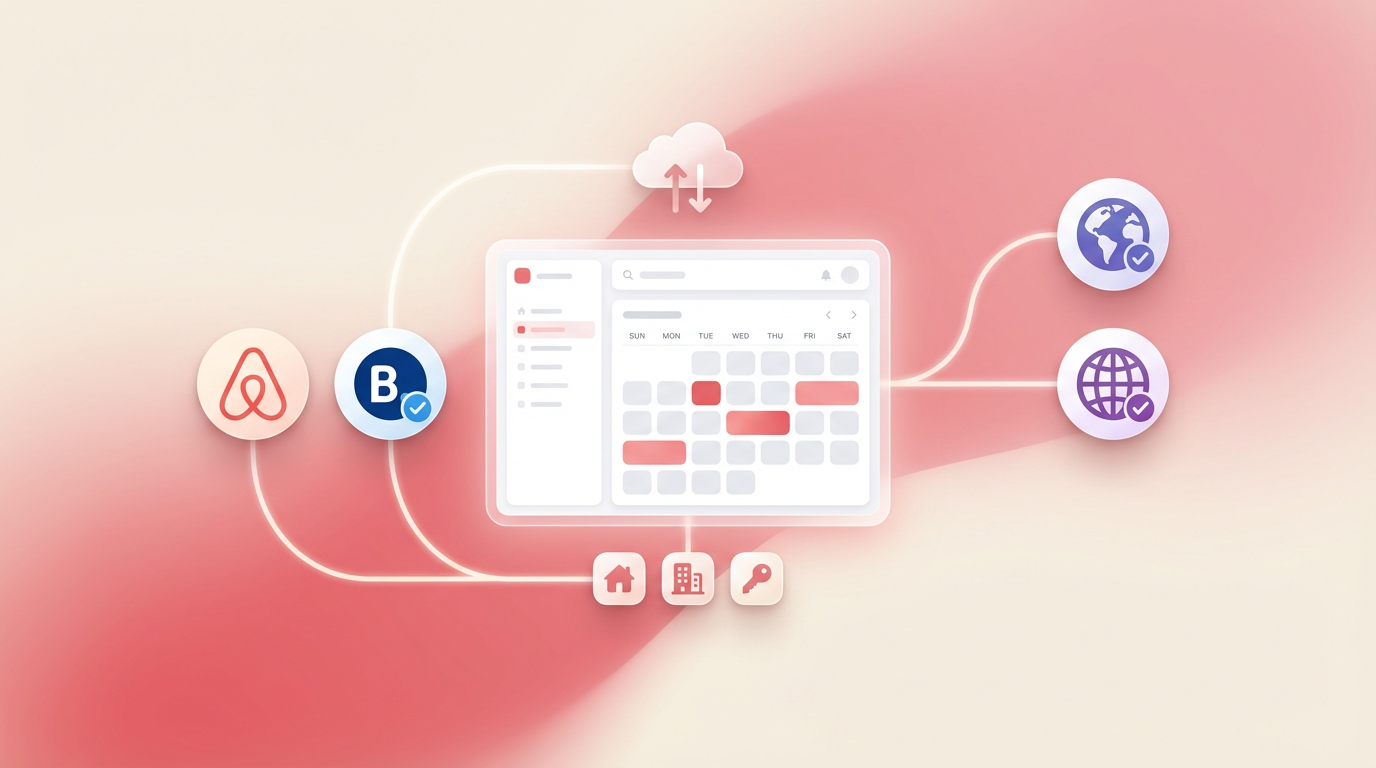
When you list the same property on multiple platforms, each has its own calendar. A booking on Airbnb doesn’t automatically block those dates on Booking.com. Without a central system, you risk accepting overlapping reservations. The solution is to use a single source of truth for availability and sync it across channels—either via channel manager APIs (when available) or manual entry into a central calendar.
Keeping calendars in sync
Until channel API integrations are widely available, many hosts use a central dashboard to track all bookings. When a reservation comes in from any platform, you log it in one place. That becomes your master calendar. Before accepting a new booking, you check this calendar first to ensure the dates are free. Tools like BNBNote let you manage multiple listings and see availability at a glance, reducing the risk of conflicts.
Benefits of consolidation
A unified view of your bookings saves time and reduces errors. You can see today’s check-ins and check-outs, manage housekeeping, and track earnings without switching between platforms. As APIs mature, channel managers will automate sync further. For now, a simple central system is the most practical way to stay organized.